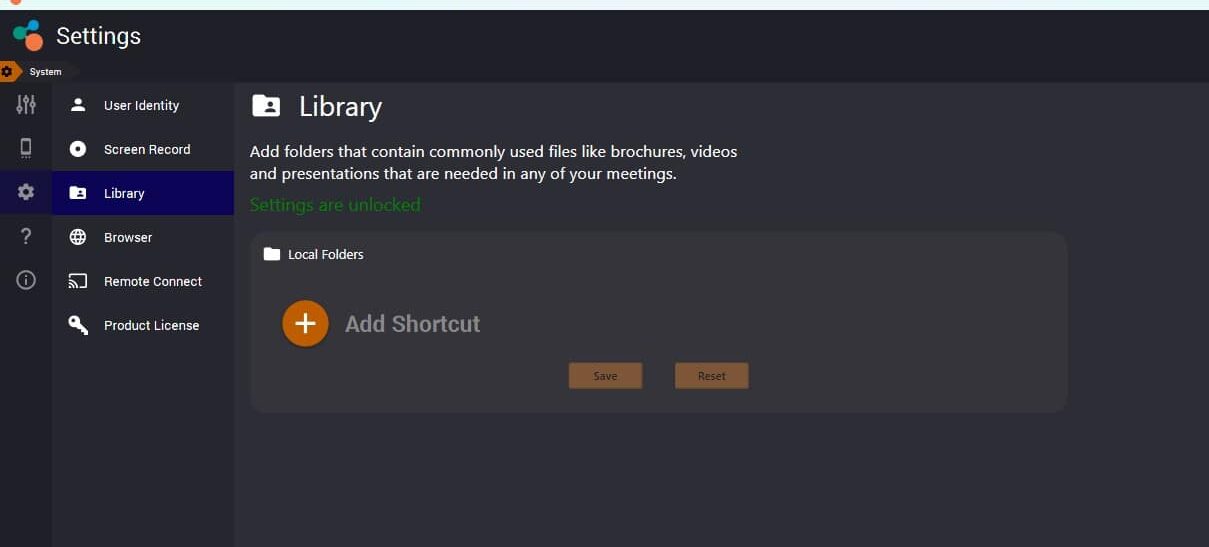
The Library PRO Version allows users to create read-only shortcuts to commonly used folders on computers and network drives. This allows quick access to any presentation file, video or media that you commonly use in a presentation without having to copy them individually.
Users can access Library PRO Version settings through
- Settings > System > Library.
- Add folders that contain commonly used files like brochures, videos and presentations that are needed in any of your meetings