Reactiv SCRIBBLE features a unique Smart Lasso tool that allows users to trace around specific content or ink and move it to another spot on the canvas.
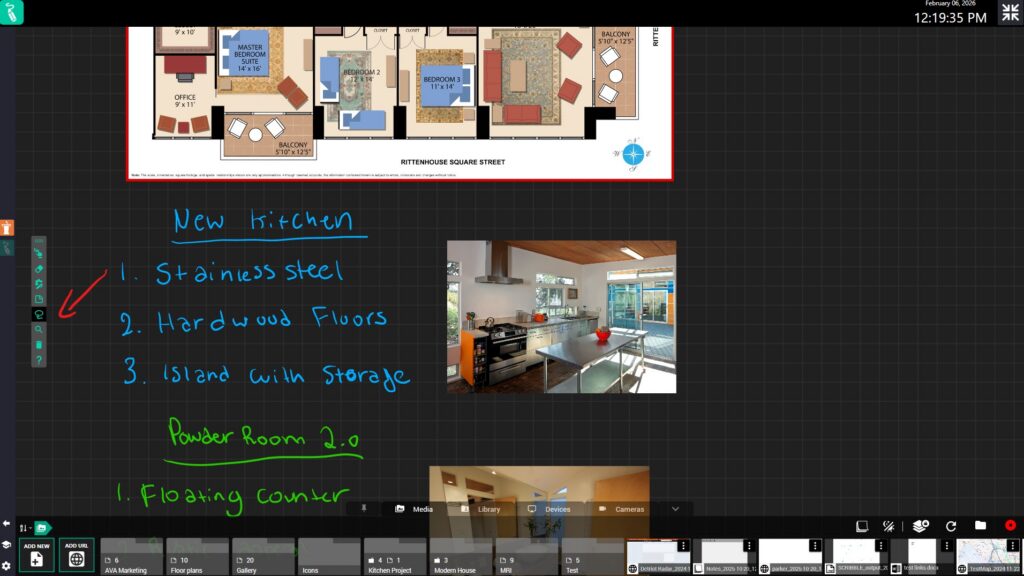
1. Select the Lasso from the tool bar. You can also select the tool by double tapping/clicking the canvas.
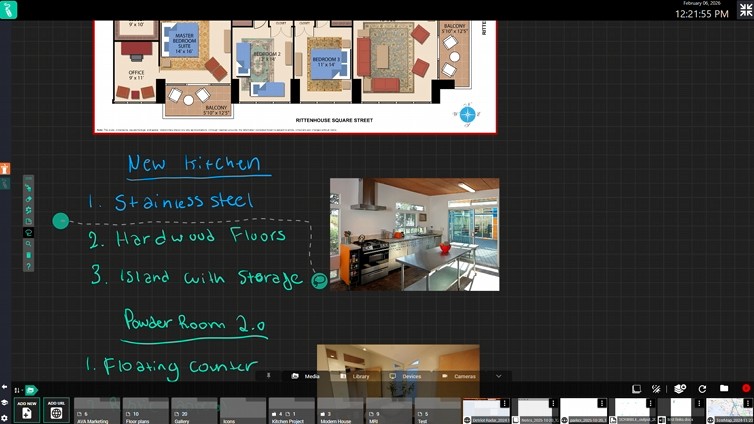
2. Start drawing a line around the the content that you want selected.
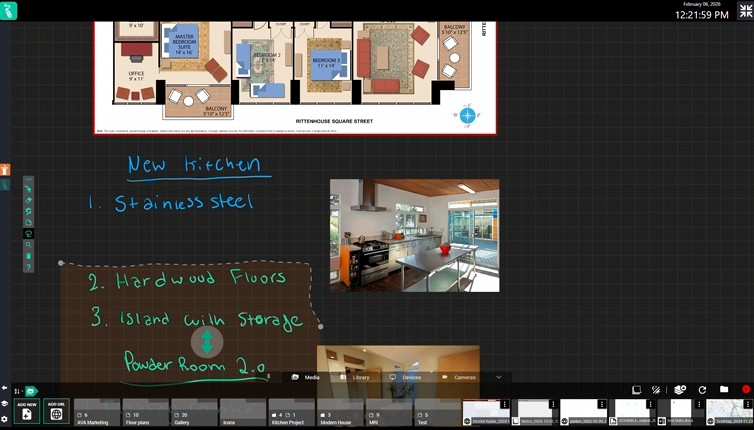
3. The content will become highlighted and arrows will appear that allow you to move it either way.
We use cookies to ensure that we give you the best experience on our website. If you continue to use this site, we will assume you agree to our use of cookies.